Ask for GPS location from a Google Form
Google Forms doesn't natively support GPS location collection. Import your form to Fillavo to add this capability.
Fillavo uses bank-level security to encrypt your credentials.
Read about Fillavo's dedication to data security.
Read about Fillavo's dedication to data security.
1
Import your Google Form
Click "Sign in with Google" to import your Google Form.
2
Enable GPS location collection
Look for the Location coordinates button on left-hand panel of your form.
3
Publish and share your form
Click "Publish" to get a link to your form. That's it!
What is Fillavo?
Like Google Forms, Fillavo is a form building tool. Fillavo includes a lot of additional features, like powerful integrations, templates designed to increase conversions and much more.
Fillavo is completely free for up to 1000 submissions/month.
Fillavo is completely free for up to 1000 submissions/month.



What can I do with GPS location collection in Fillavo?
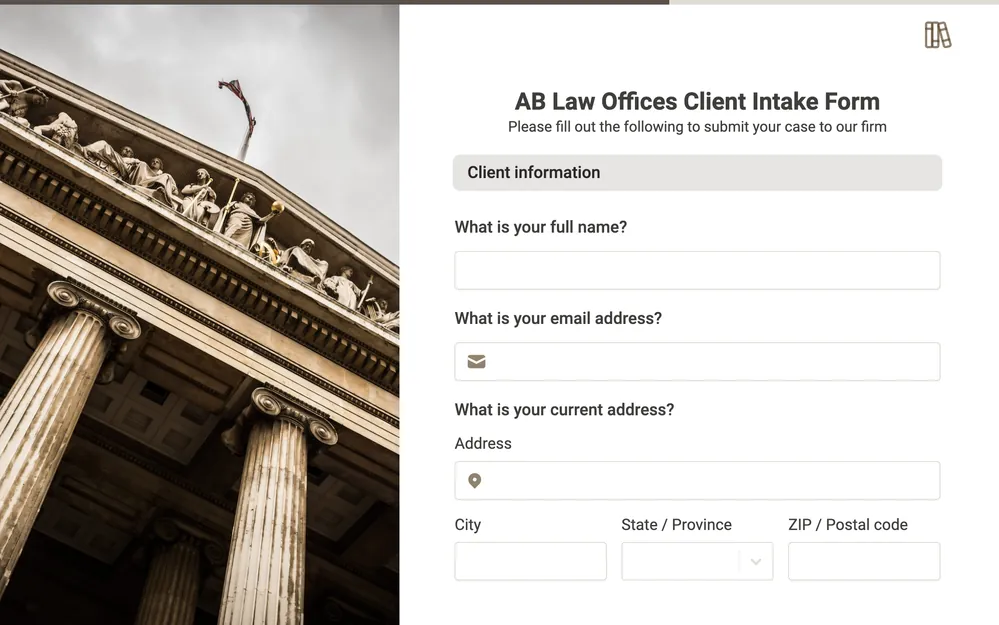
With Fillavo, you can collect accurate location coordinates in your survey or form in a few clicks. Allow users to add their exact address to streamline business processes and workflows.
Add new questions types to Google Forms
Convert your Google Form to a Fillavo form to use 50+ customizable question types.