Add a radio button to Google Form
Google Forms supports radio buttons, but for adding validation logic, consider Fillavo.
Fillavo uses bank-level security to encrypt your credentials.
Read about Fillavo's dedication to data security.
Read about Fillavo's dedication to data security.
1
Import your Google Form
Click "Sign in with Google" to import your Google Form.
2
Level-up your radio buttons
Add validation or show/hide logic based on what a respondent chooses.
3
Publish and share your form
Click "Publish" to get a link to your form. That's it!
What is Fillavo?
Like Google Forms, Fillavo is a form building tool. Fillavo includes a lot of additional features, like powerful integrations, templates designed to increase conversions and much more.
Fillavo is completely free for up to 1000 submissions/month.
Fillavo is completely free for up to 1000 submissions/month.


How do radio buttons work in Fillavo?
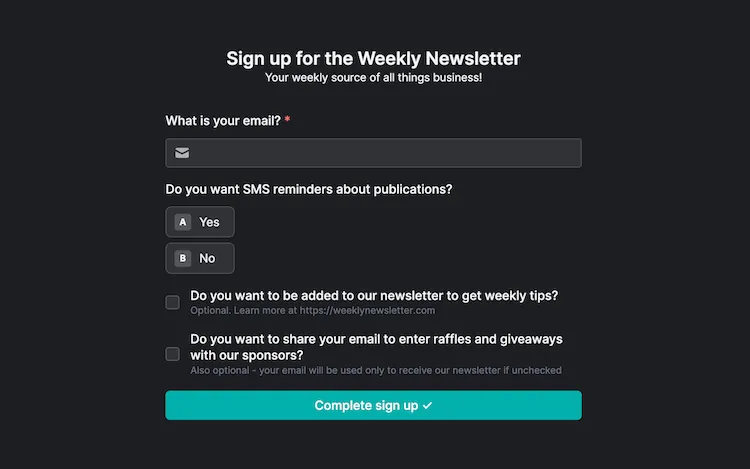
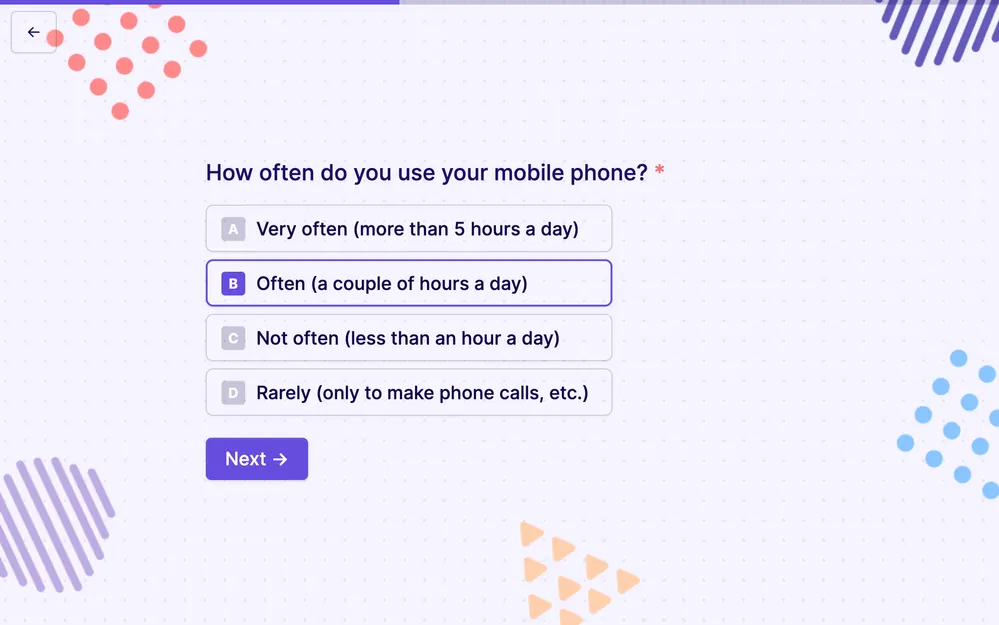
Fillavo offers bubble multiple choice, checkboxes, picture choice and classic radio buttons as question types. Just drag your preferred question type onto your form.
Add new questions types to Google Forms
Convert your Google Form to a Fillavo form to use 50+ customizable question types.