Add logic to a Google Form
Google Forms has basic conditional questions, but Fillavo offers an advanced logic system to make your forms adapt to user input.
Fillavo uses bank-level security to encrypt your credentials.
Read about Fillavo's dedication to data security.
Read about Fillavo's dedication to data security.
1
Import your Google Form
Click "Sign in with Google" to import your Google Form.
2
Add conditional logic
Click on any question and set show/hide or validation logic.
3
Publish and share your form
Click "Publish" to get a link to your form. That's it!
What is Fillavo?
Like Google Forms, Fillavo is a form building tool. Fillavo includes a lot of additional features, like powerful integrations, templates designed to increase conversions and much more.
Fillavo is completely free for up to 1000 submissions/month.
Fillavo is completely free for up to 1000 submissions/month.



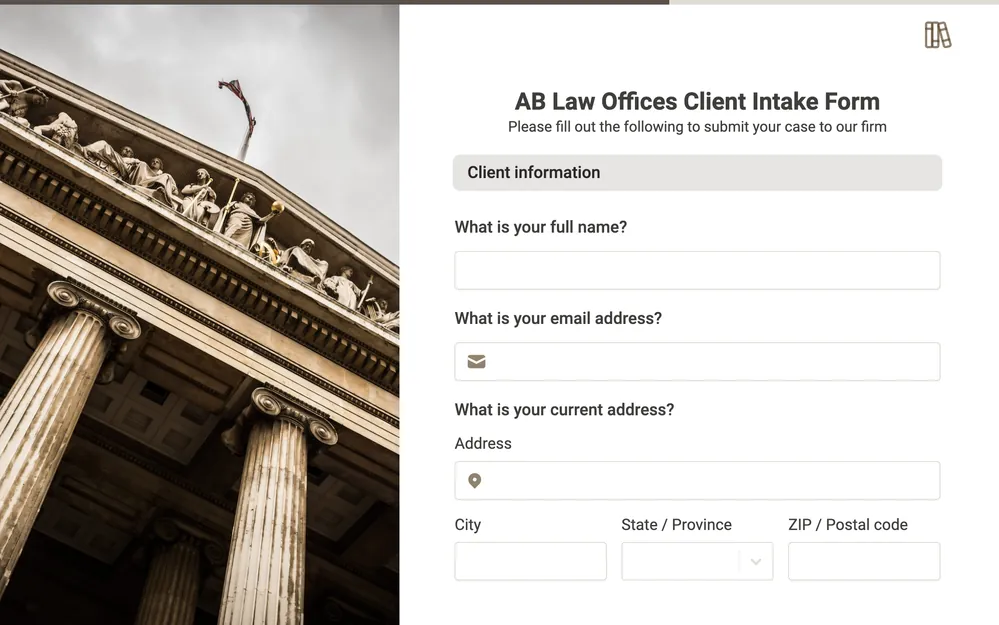


What can I do with form logic in Fillavo?
Set conditional logic to show and hide fields based on prior inputs, URL parameters or external data. Make dynamic forms based on your respondents' answers.
Customize form logic & navigation
Add advanced logic to your Google Forms, like sections, multiple pages and skip logic.